Can I use my own face in an AI thumbnail?
add
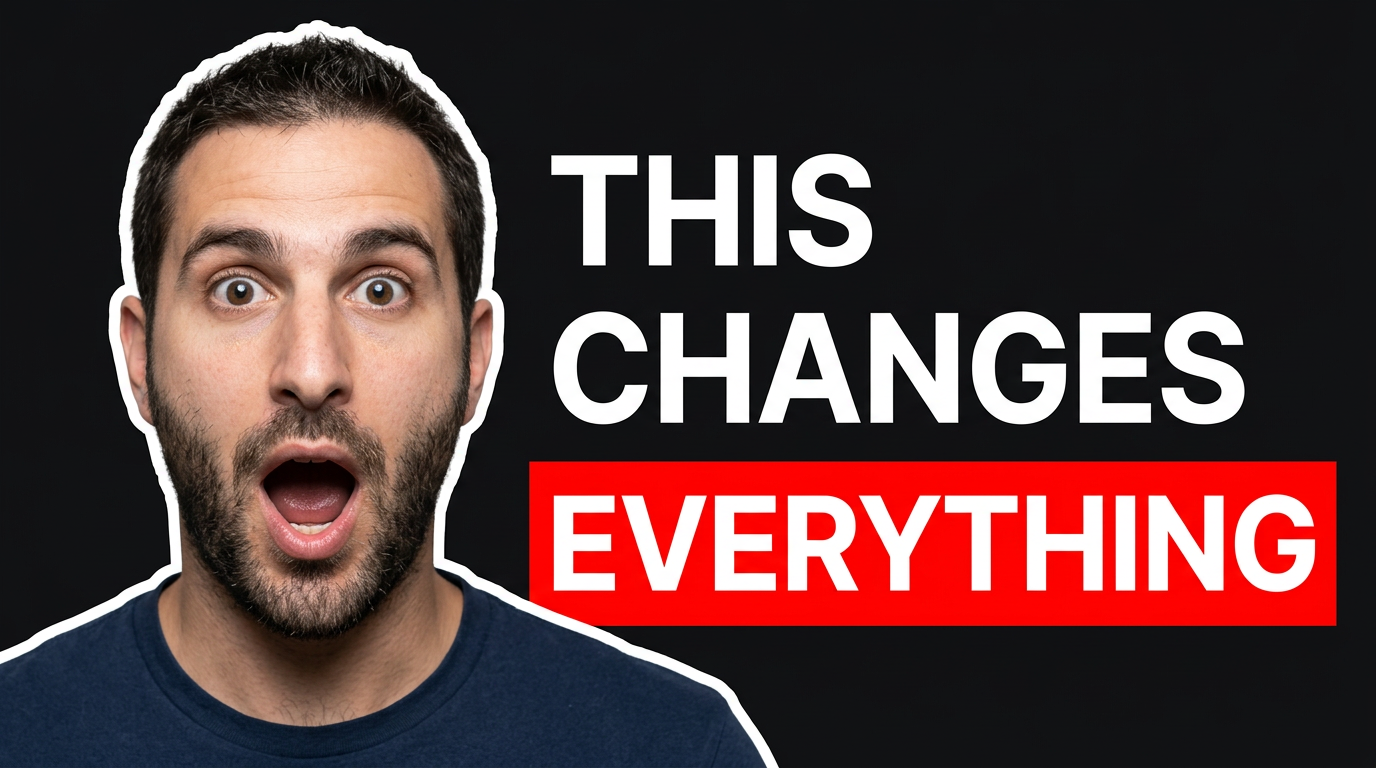
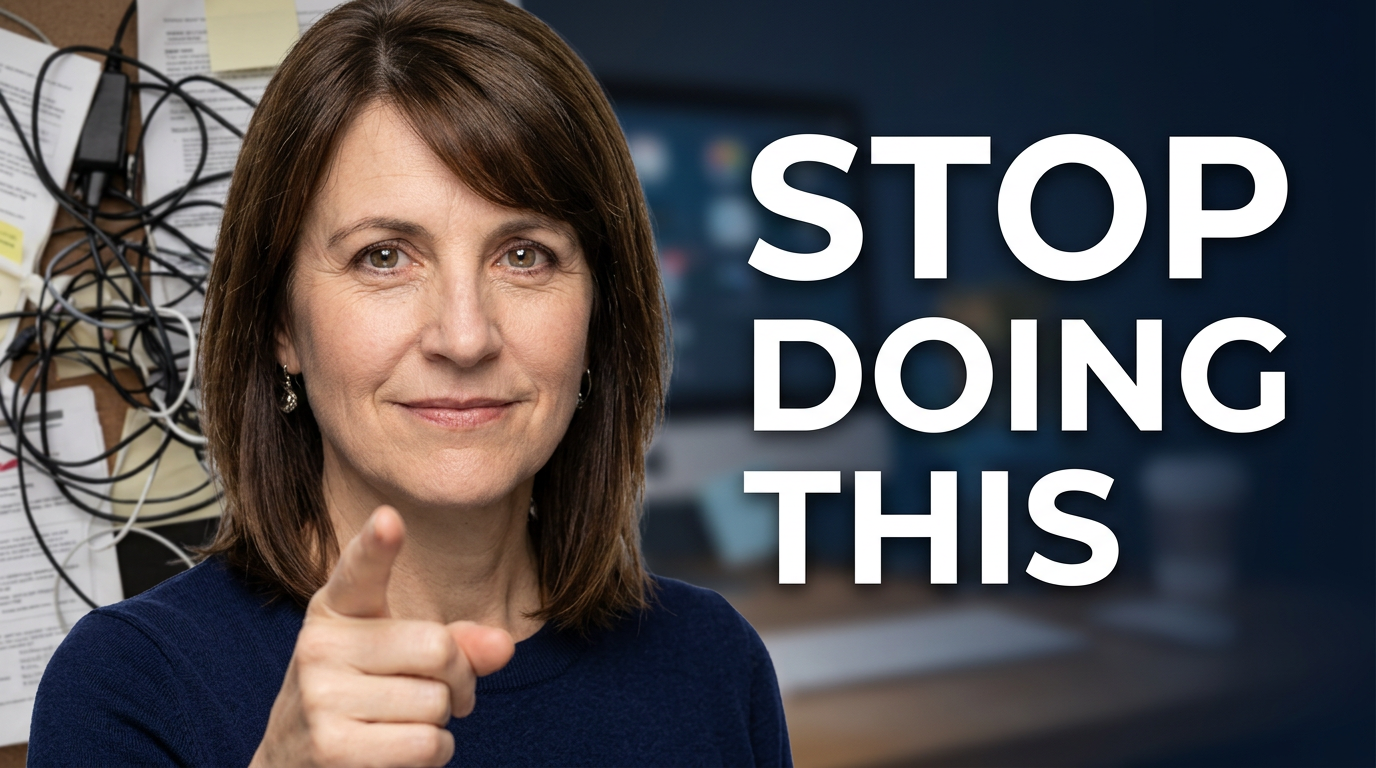
Yes. Provide clear photos of yourself as source material and direct how you should appear, such as a close-up reaction, a confident presenter pose, or a cutout beside a screenshot. Use images you have permission to use.
Can I control the exact words on the thumbnail?
add
Yes. Provide the exact short overlay wording you want visible. Keep it concise so the main idea remains readable at small sizes.
What source images should I upload for a tutorial thumbnail?
add
Upload the most recognizable proof from the video: a dashboard, app screen, finished result, document, product image, or before-and-after visual. Tell Thumbnail.AI which element should receive the most attention.
How is this different from choosing a thumbnail template?
add
Templates begin with a fixed layout. Thumbnail.AI starts with your specific video, your face and source images, and your direction, so you can tailor the composition, mood, emphasis, and text to the actual topic.
Can I make a consistent look across my channel?
add
Yes. Reuse the visual decisions that define your channel, including face framing, color treatment, background style, text placement, and how screenshots or products are shown. Then adjust the central hook for each new video.
What makes a thumbnail idea easier to direct?
add
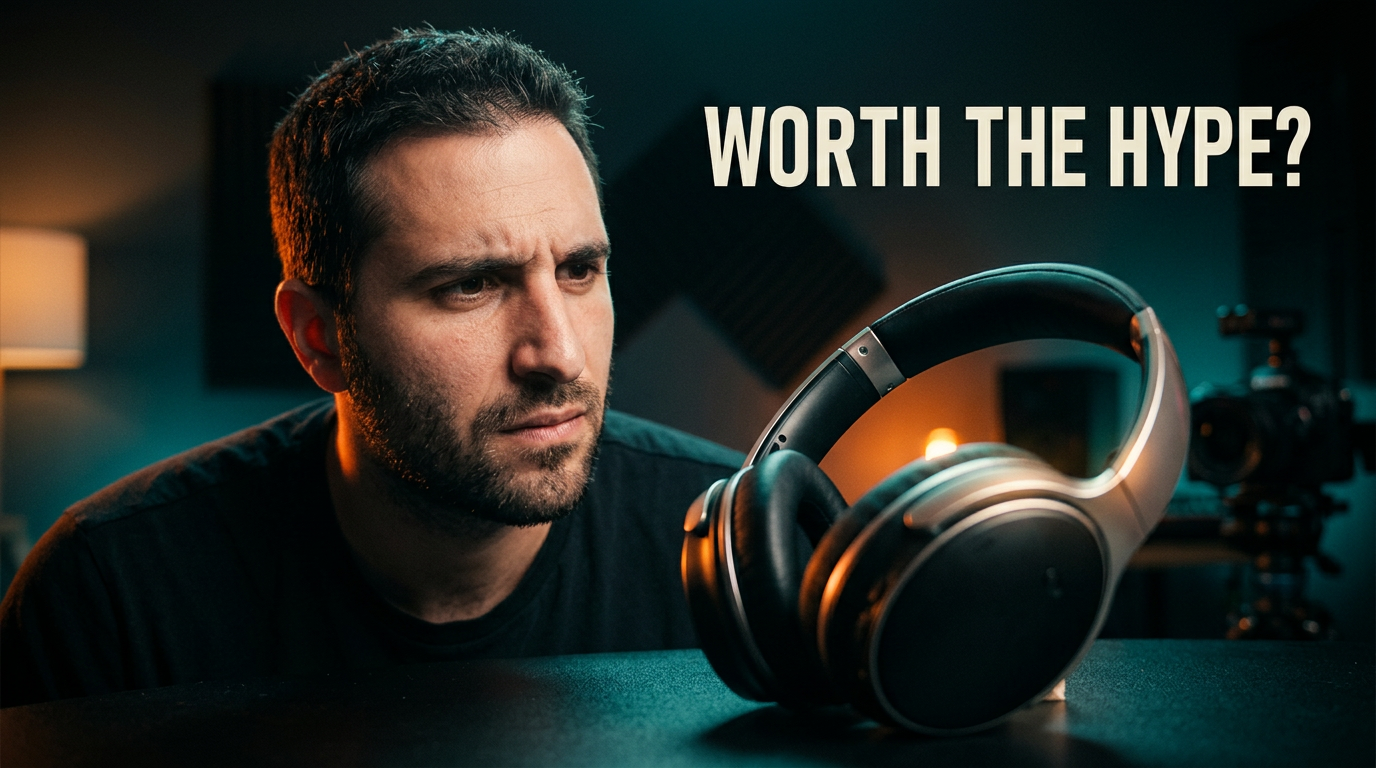
Give one clear focal point, one desired reaction or mood, and one supporting visual. For example: a concerned close-up, a large app screen, and a clean high-contrast background. Avoid asking several unrelated ideas to compete in one frame.