Is an AI thumbnail generator useful if I already have a channel style?
add
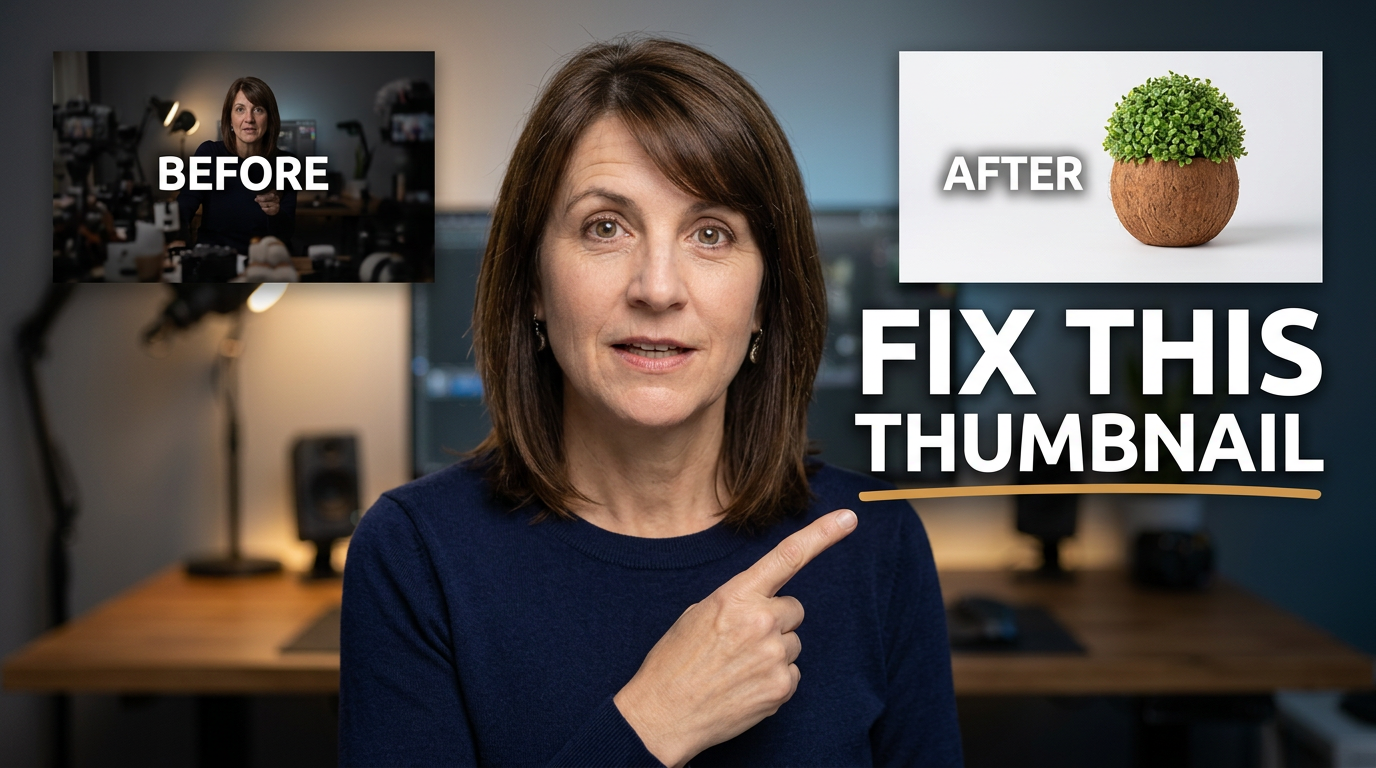
Yes. Use your existing colors, face photos, logo, recurring objects, and visual references as inputs. The goal is to create new concepts that still feel consistent with your channel, not replace your identity with a random template.
Can I control the wording on an AI-generated thumbnail?
add
You should be able to specify the exact short phrase you want viewers to see. Keep it brief and let the image carry the rest of the idea. Thumbnail.AI is designed around custom thumbnail direction, including the wording you want included.
What should I include in a thumbnail request?
add
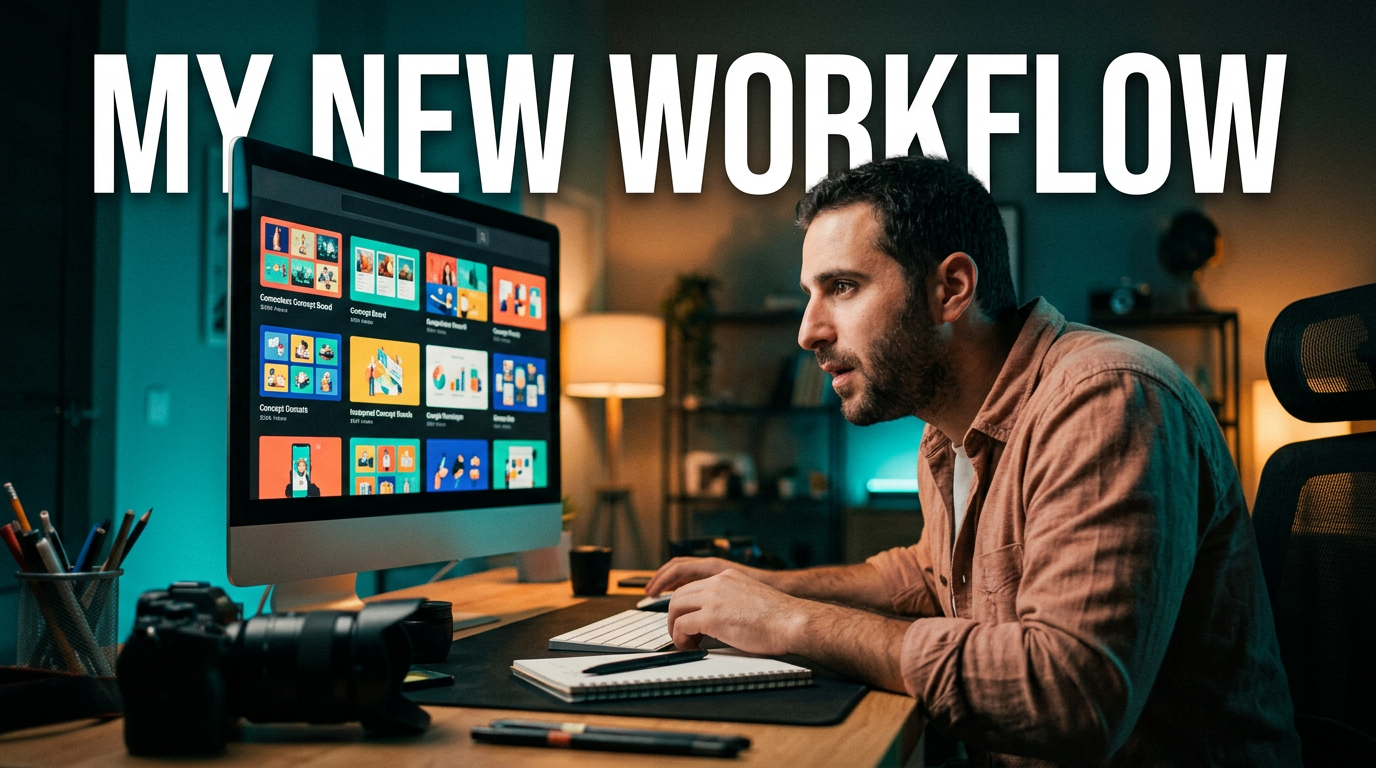
Include the video topic, the main viewer takeaway, the emotion or tension to emphasize, any source images to use, and the desired visual style. If a specific object or person must be prominent, say so directly.
How do I make a thumbnail work on mobile?
add
Prioritize one dominant face, object, or action. Use a simple background, strong separation between the subject and background, and only a few large words. Check whether the core idea is still understandable when the image is small.
Can I revise a thumbnail after the first concept?
add
Yes. A practical AI thumbnail workflow supports iteration. You can direct changes such as making your expression more surprised, moving the product closer, simplifying the background, changing the mood, or shifting attention to a different visual element.
Should every YouTube thumbnail include my face?
add
Not always. A face can add recognition and emotion for commentary, personal brands, and reactions. For tutorials, product reviews, gaming, or documentary-style videos, the strongest subject may be the product, result, scene, or central question instead.