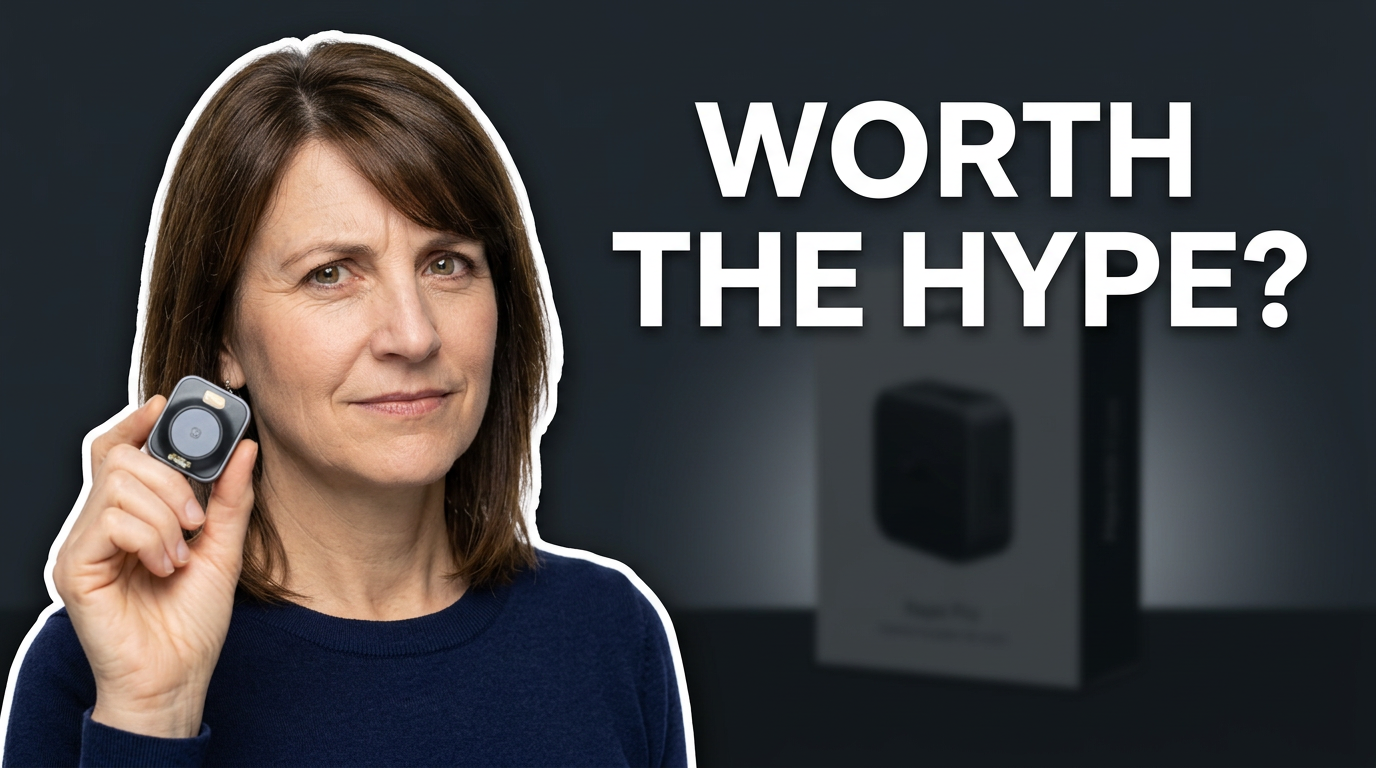
Can I use my own face in a thumbnail?
add
Yes. Upload a clear photo of yourself and direct how you should appear, such as a close-up reaction, a pointing pose, or a cutout placed beside a featured object or screenshot.
Can I provide the exact text for the thumbnail?
add
Yes. Add the wording you want displayed. Keep it short so the main idea remains readable at small sizes, then use your direction to establish what should receive the strongest visual emphasis.
Can I make thumbnails from a video screenshot or product image?
add
Yes. Source images can anchor the concept when a video needs to feature an app interface, product, before-and-after result, document, listing, game moment, or other recognizable visual.
How do revisions work?
add
Describe the change directly. For example, ask to enlarge the featured item, use a more skeptical expression, simplify the background, create more contrast behind the wording, or shift the visual focus to a screenshot.
Is this useful for channels with recurring video formats?
add
Yes. Reuse the same visual principles across a series—such as face placement, color family, product framing, or screenshot treatment—while adapting the wording and subject to each new upload.
What makes a useful thumbnail brief?
add
Name the video’s central hook, identify the one or two elements that must be seen, provide any source material that matters, and state the mood or reaction you want. A concise brief usually creates a clearer visual hierarchy.