Create Viral-Style YouTube Thumbnails That Earn the Click
Turn a strong video idea into a clear, high-energy thumbnail with your own face, products, screenshots, and exact on-image wording—then revise it with plain-language feedback.
- personYour face
- add_photo_alternateYour source images
- edit_notePlain-language edits
What makes a viral-style thumbnail work?
A viral-style thumbnail makes one compelling idea understandable at a glance. It usually pairs a single focal subject with a visible outcome, a strong emotion, or an unanswered question. The goal is not to cram in every detail from the video; it is to create enough clarity and curiosity that the right viewer wants to click. Thumbnail.AI helps you build that visual with your source material, recognizable face, and the precise words you want shown.
Built for YouTube creators, short-form video publishers, commentators, educators, reviewers, and brands that need bold thumbnail concepts without losing control of their visual identity.
Three thumbnail ideas for viral thumbnail
Each example explores a different visual direction and can be adapted with your own face, images, wording, and brand.
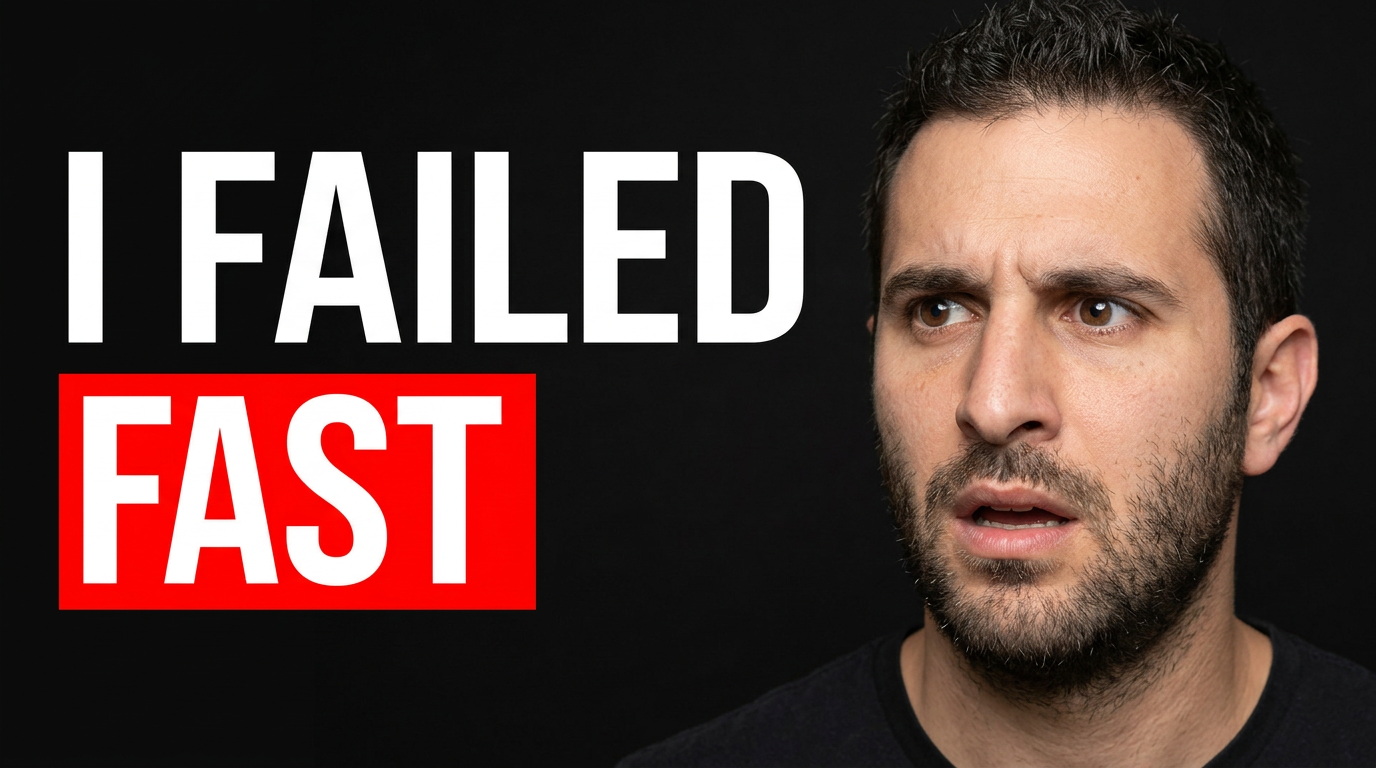
Unexpected challenge result
Use a candid reaction and one unmistakable challenge visual to frame a high-stakes outcome.
See the visual approach
Close-up of the assigned male creator with a shocked, frustrated expression on the left, facing a dramatic challenge setup on the right with a visibly damaged or failed result. Dark studio background, intense red accent lighting, strong subject separation, oversized reaction and result as the only focal elements, crisp YouTube composition.
Make a thumbnail like this →
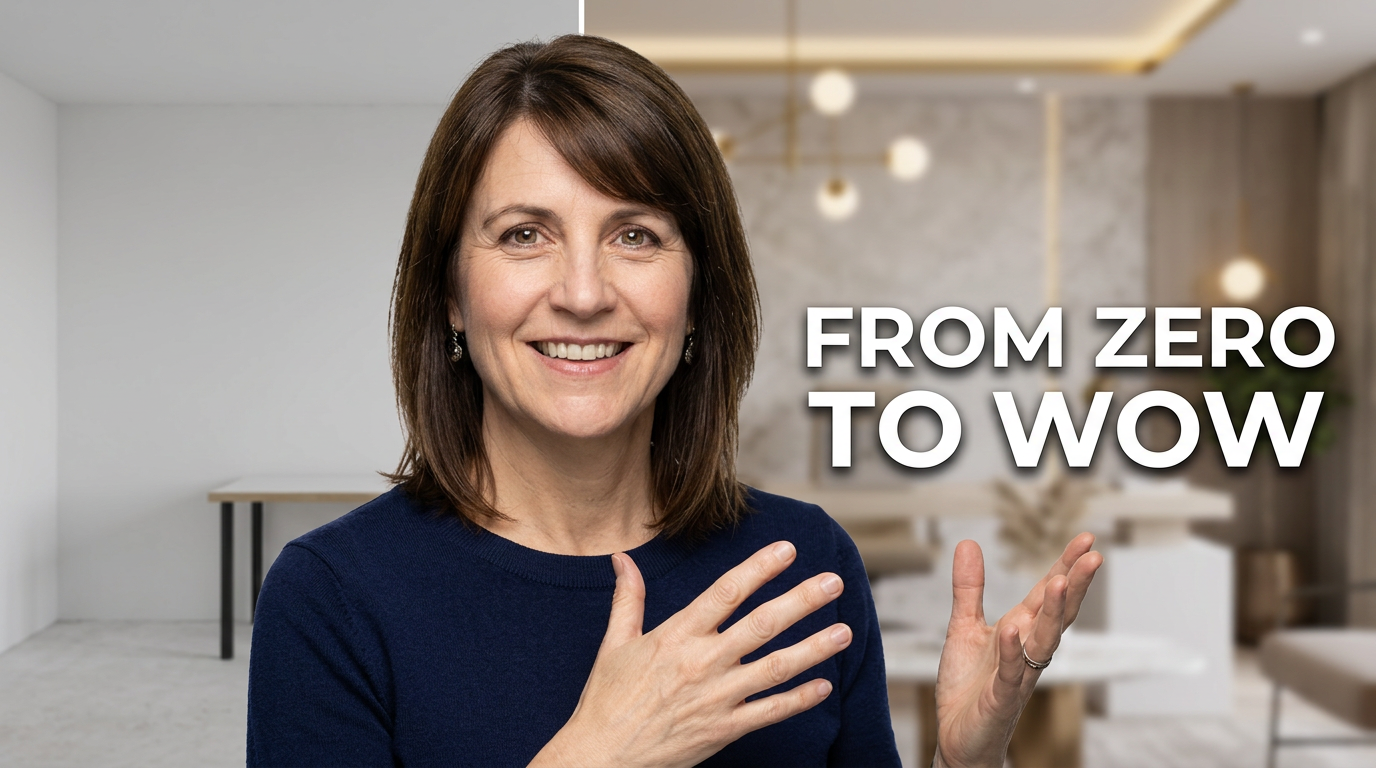
Transformation reveal
Make the contrast between the starting point and finished result instantly recognizable.
See the visual approach
The assigned female creator centered with a confident, delighted expression, gesturing between a plain unfinished starting scene on one side and a polished, vibrant finished result on the other. Bright clean lighting, dramatic before-and-after visual divide, minimal background clutter, aspirational makeover mood, the finished result slightly more prominent.
Make a thumbnail like this →
Controversial creator take
Pair a decisive reaction with one visual claim or news item for a commentary-led video.
See the visual approach
The assigned male creator in the foreground with an intense skeptical expression, angled toward a large blurred digital display showing an abstract breaking-news-style chart and headline blocks without readable text. Deep blue and orange contrast, cinematic directional lighting, urgent commentary atmosphere, creator face and display are both large and clearly separated.
Make a thumbnail like this →
These examples are starting points. Results vary based on your images, wording, and creative direction.
Build thumbnails around the click-worthy moment
Use a thumbnail to frame the most visually immediate promise in your video—not the whole outline. These directions help keep the image readable on a busy YouTube homepage.
- Big reveal thumbnails that show the finished result, transformation, or surprising discovery
- Challenge thumbnails centered on a clear obstacle, countdown, or high-stakes decision
- Comparison thumbnails that make the before-and-after contrast obvious
- Reaction thumbnails that pair your face with the object, claim, or result viewers need to see
- Experiment thumbnails that spotlight one test, unusual setup, or unexpected outcome
- Explainer thumbnails that simplify a complex topic into one bold visual question or takeaway
- Product and tool thumbnails using your real product shots, screenshots, packaging, or results
- Commentary thumbnails that visually frame the news, debate, trend, or claim behind your take
A simple workflow you can reuse
-
1
Start with the video’s strongest promise
Identify the one outcome, surprise, conflict, or question that a viewer should understand before they read the title. Give the thumbnail one job.
-
2
Add your recognizable source material
Upload a clear photo of yourself, a co-host, a product, a screenshot, or a scene from the video. Thumbnail.AI can use those materials as the basis for the composition.
-
3
Choose short, exact on-image wording
Keep visible copy brief and complementary to the title. Use a number, outcome, challenge, or tension point rather than repeating the full video title.
Frequently asked questions
Answers for building a useful, repeatable thumbnail workflow—not just generating one image.
Browse all thumbnail makers →
Can Thumbnail.AI make a thumbnail go viral?
add
No tool can guarantee views or virality. Thumbnail.AI helps you create and refine a stronger visual pitch: a clear focal point, your chosen source images, readable wording, and a composition that matches the video’s premise.
How much text should a YouTube thumbnail have?
add
For most videos, use a short phrase that can be read quickly on a phone. Two to six words is often enough when the image already communicates the subject and emotion.
Should my face be in every thumbnail?
add
Not necessarily. Your face is especially useful for reactions, opinions, challenges, and personality-led content. For product tests, tutorials, gaming moments, or dramatic transformations, the key object or result may deserve the largest emphasis.
Can I use my own screenshots and product photos?
add
Yes. Upload relevant screenshots, product images, location photos, or stills and direct Thumbnail.AI on what should be prominent, cropped, removed, or placed in the scene.
What should I change when revising a thumbnail?
add
Give direct feedback on the visual hierarchy: make your face larger, reduce background clutter, move the product to the right, increase contrast, change the expression, or shorten the visible wording. Focus each revision on the main reason the image is not reading quickly.
Create your next viral-style thumbnail
Bring your video’s strongest hook, your own photos or assets, and the exact words you want viewers to notice. Shape the concept and revise the details in Thumbnail.AI.
Create a thumbnail in Thumbnail.AI